Your Smartphone as a Hearing Companion: The Best Apps for Hearing Health in 2026
Did you know…
Your smartphone may already be one of the most useful hearing tools you own.
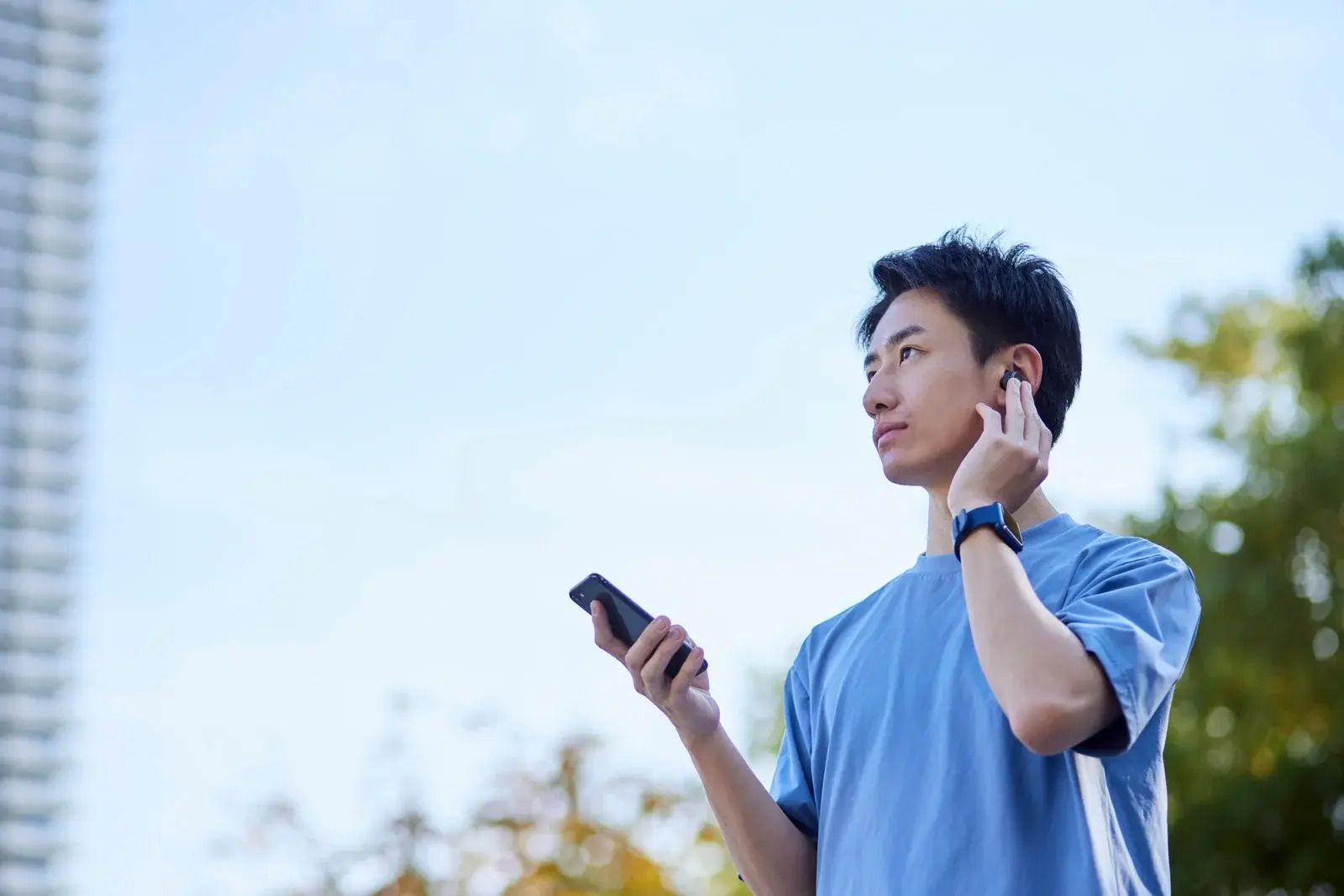
Phones today are ever-evolving, and they’re becoming more and more useful when it comes to hearing health. Today’s phone models have the ability to perform very basic screenings for hearing loss, caption conversations, act as a remote microphone, measure ambient noise, and even help manage tinnitus. Many of the tools you need to install are free and only take a few minutes to set up!
If conversations are getting harder to follow, or you're helping someone who has been experiencing hearing difficulties, this is great news.
There is, however, an important caveat…
Hearing health apps can screen and support your hearing. They are not intended to act as a clinical grade solution, and are not an alternative to an Audiologist. They cannot diagnose hearing loss or tell you what is causing it.
Apps That Check Your Hearing (Without Diagnosing It)
hearWHO
A great starting point that is free to use was developed by the World Health Organization, it’s called hearWHO. Available for both iPhone and Android.
Instead of responding to beeps (which most hearing tests use), hearWHO uses a
digits-in-noise test. You’ll listen to 23 sets of three spoken numbers presented over background noise and enter what you heard.
WHO interprets the score this way:
- Below 50: Have your hearing checked by a trained professional.
- 50–75: Monitor your hearing yearly and protect it from loud noise.
- Above 75: Indicates good hearing at the time of the check.
WHO is equally clear that the app is not a formal hearing test and should not replace an assessment by a hearing professional. Apps like these can help you spot something that deserves attention, but it becomes less trustworthy as the hearing loss becomes more complicated.
For best results, test yourself in a quiet room, use good headphones, keep the volume settings consistent and repeat the screening at least twice to see how the results average.
Apps and Settings That Help You Hear Better Today
iPhone: Live Listen and Live Captions
Live Listen turns your iPhone into a remote microphone. You can place the phone near someone you want to hear, and their voice can be streamed directly to your AirPods, Beats, or any other compatible, made-for-iPhone hearing device.
On current iPhones, you can add Live Listen through Control Centre > Add Controls > Hearing Accessibility > Live Listen.
Live Captions provides another option by transcribing spoken audio on the screen in real time.
On supported iPhones, you can find it under Settings > Accessibility > Live Captions. It can work with live conversations as well as supported calls and media.
Android: Live Transcribe and Auracast
Android users can use the Live Transcribe function, which is Google’s accessibility tool that will convert nearby speech and sounds into text on your screen. On supported phones, look under Settings > Accessibility > Live Transcribe.
Newer Android devices are also beginning to support Auracast, a Bluetooth audio technology that lets compatible hearing aids or earbuds connect directly to public audio broadcasts. The catch is that the venue itself must offer an Auracast broadcast, so availability will vary.
If you already wear hearing aids, do not overlook the manufacturer’s app, which can often have some interesting capabilities.
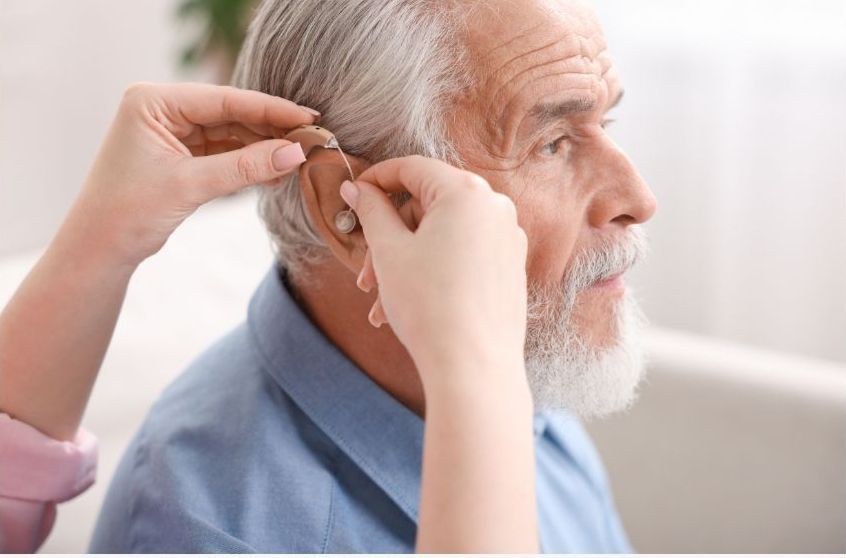
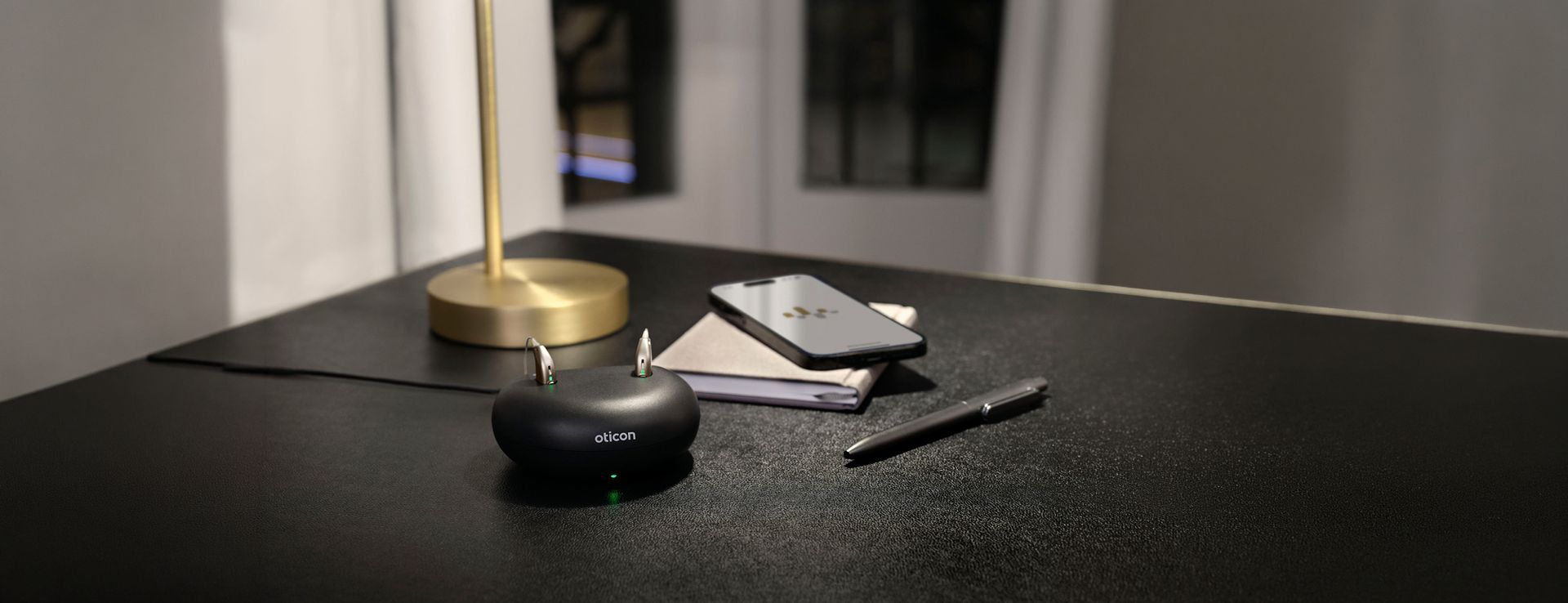
Depending on your device, it may let you change programs, adjust directional focus, check battery levels, manage streaming, locate lost aids on a map or receive remote adjustments from your audiologist. Learn about hearing aids at Audiology First.
Apps That Protect the Hearing You Still Have
Prevention may actually be the most valuable function available through your phone.
For iPhone users, there is a free app called NIOSH Sound Level Meter, which was developed by occupational hearing researchers. It is not intended to replace professional equipment for workplace compliance, but it is very useful for answering a simpler question: Do I need hearing protection in X environment?
Employers in Alberta must conduct a noise exposure assessment when workers may be exposed above 82 dBA Lex, while the occupational exposure limit is 85 dBA Lex over eight hours.
Noise can be damaging long before it feels painfully loud. This app allows you to measure it.
Your phone can also monitor headphone exposure.
On iPhone, check Settings > Sounds & Haptics > Headphone Safety and review your hearing information in the Health app. Pixel phones running Android 15 or later can provide sound-exposure warnings as well; features on other Android phones can vary based on the manufacturer.
Apps for Tinnitus: What the Evidence Actually Supports
There’s a myriad of apps in the app store that make tinnitus less noticeable. They’re usually apps that provide things like rain sounds, white noise or meditation tracks. Instead of trying to eliminate the sound, there’s apps that actually address the contributing distress and attention patterns related to tinnitus.
In a randomized trial of the Oto tinnitus app, for example, 32% of users achieved a clinically meaningful reduction in tinnitus impact after six months, compared with 12% of the waitlist group. Oto is currently listed in the Canadian App Store.
Another randomized trial combining smartphone CBT with customized sound therapy found substantially greater improvement in tinnitus impact over eight weeks, along with improvements in sleep, mood and anxiety.
ReSound Relief, Widex Zen and Starkey Relax are other options, with Canadian iPhone listings available. These can provide masking sounds and relaxation tools, but they should be viewed as tinnitus-management tools rather than treatment plans.
Tinnitus apps are designed to make tinnitus less bothersome, not determine its cause or make it disappear.
Where the Apps Stop and a Clinic Starts
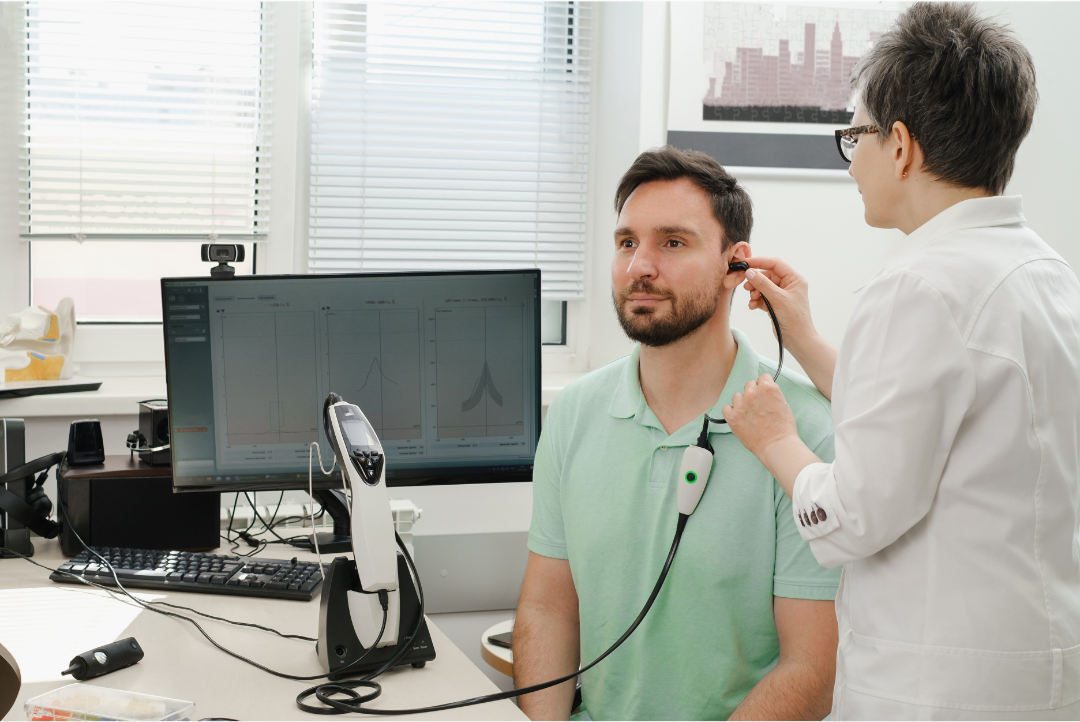
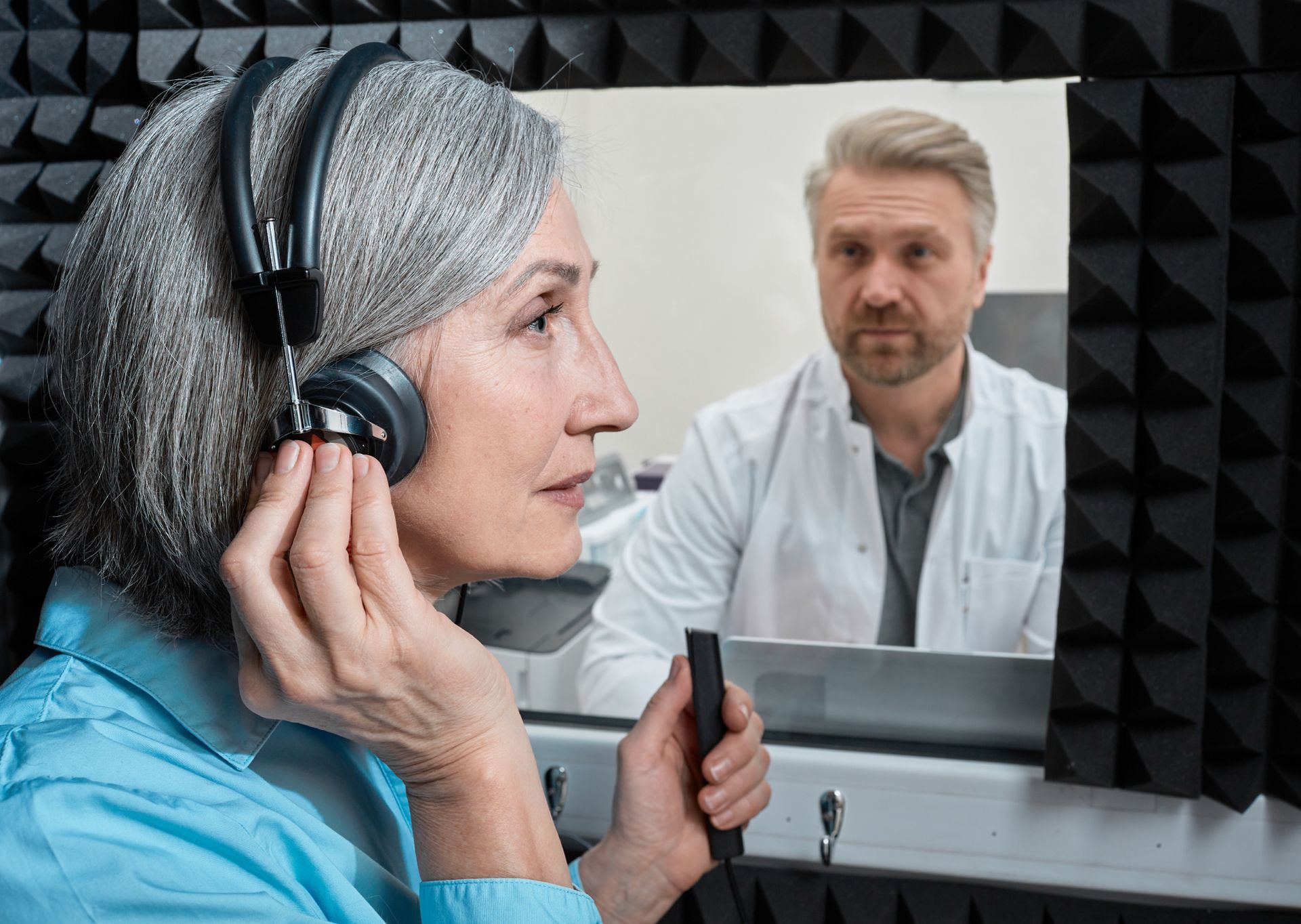
Apps can be a good starting point for the discussion on hearing loss. However they are almost always limited in one way or another. The hearing tests performed are limited by a lack of calibration. At Audiology First, we use state of the art soundproofed rooms, and medical grade equipment (called an audiometer), and specially calibrated headphones to measure hearing sensitivity. Consumer grade headphones are not calibrated for hearing tests. They may indicate broadly what a normal test should look like, but they are not a substitute for a professional consultation with an Audiologist. In fact, there are times when you should skip them entirely.
- Sudden or rapidly worsening hearing loss
- Hearing that is clearly worse in one ear
- Significant ear pain or drainage
- Dizziness or vertigo
- One-sided or pulsing tinnitus
These symptoms should be professionally assessed rather than self-managed through an app.
Sometimes the explanation is as simple as a blocked ear canal. A phone cannot look inside your ear or remove impacted earwax. Learn about professional earwax removal.
A comprehensive hearing assessment goes much further than a phone screen. It can establish the type, degree and pattern of hearing loss, investigate possible causes and provide the information needed to fit hearing devices accurately.
Set Your Phone Up With Us
You do not have to choose between consumer technology and professional hearing care.
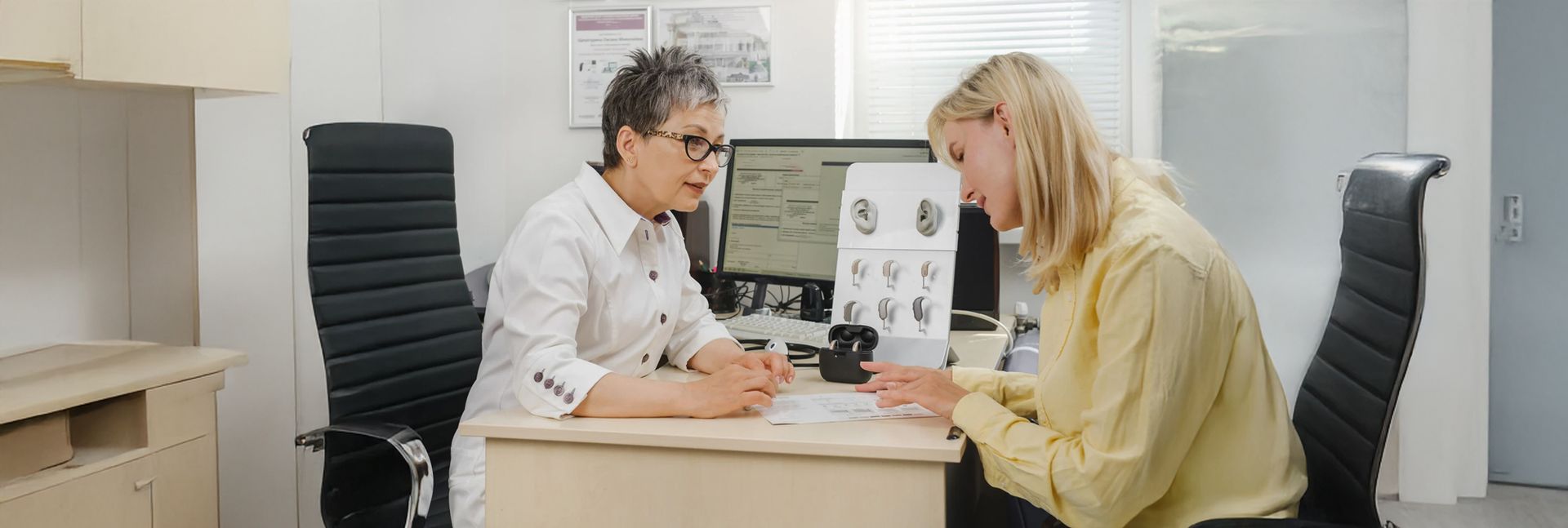
Bring your phone to your appointment. The Audiology First team can help you understand your hearing data, connect and use your hearing aid app, and show you which phone features may actually be useful for your needs.
Audiology First is Lethbridge’s only independently and locally owned audiology clinic, and we work with hearing technology from a range of manufacturers rather than being tied to one brand.
Your phone is a great place to start paying attention to your hearing—but it’s a poor place to stop.
Book a comprehensive hearing assessment with Audiology First today!